A guest network is an access choice, not just another name
Check what a guest connection can reach before assuming a separate Wi-Fi label provides isolation.
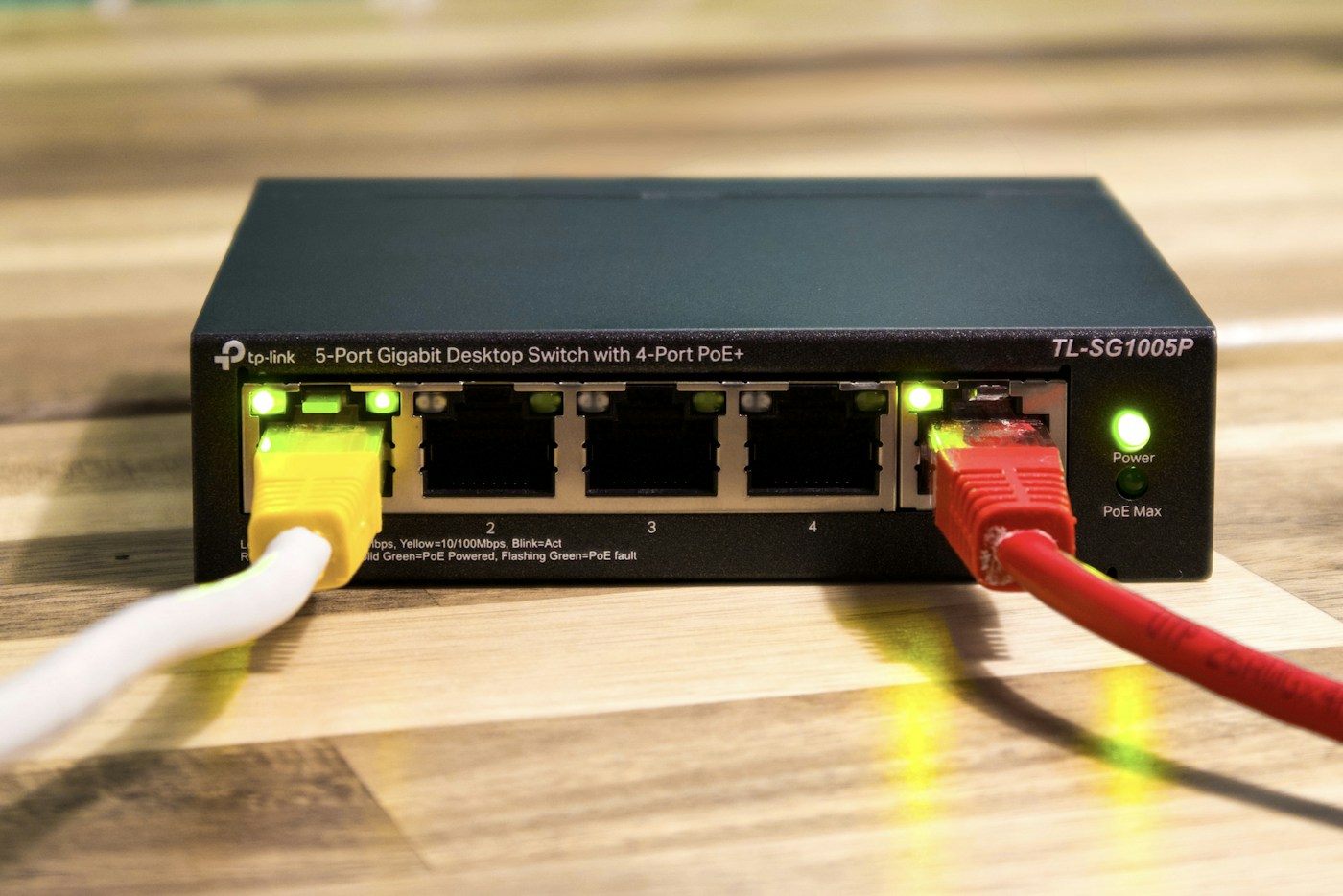
A second Wi-Fi name can be convenient for visitors, but the name alone does not explain what connected devices can access. Guest features differ by product and operating mode. Before relying on one, read the settings that control access to the local network and other clients.
Decide the intended access
Write the requirement in plain language. Perhaps visitors need internet access without access to personal computers or shared storage. A different situation might involve a deliberately shared printer. These are different requirements and should not be treated as the same checkbox choice.
Apply changes only to a network you administer. If the connection belongs to a workplace, landlord or managed service, ask the responsible administrator rather than modifying it to match a home-network example.
Find the instructions for the actual mode
Identify the router or access-point model, software version and operating mode. TP-Link's current guidance illustrates why this matters: its guest-network documentation includes controls for local access, and its Deco documentation describes an access-point-mode setting that can permit guests to reach local resources.
Do not assume an identically named feature behaves the same way on every product. Read what the current manufacturer documentation says about isolation, wired devices and communication between guests. If the description does not resolve your requirement, ask support before presenting the network as isolated.
Keep security enabled
Use the product's supported security settings and a suitable password according to its current guidance. Apple's router recommendations warn against open or obsolete wireless security modes and advise backing up existing settings before changes. Making a guest connection convenient is not a reason to remove authentication or weaken the main network.
Keep the visitor password separate from administrator credentials. A visitor needs the information required to join the intended connection, not access to the router's management interface or recovery materials.
Verify the ordinary experience
Using a device you own, join the guest network and check the intended internet task. Then check only the local resources you control and are authorised to test. Record whether the observed access matches the documented settings. If an unintended resource remains reachable, consult the manufacturer rather than assuming the label is sufficient.
Review the arrangement when the router's operating mode or firmware changes. A brief record of the intended access, model and relevant settings makes that review easier. A useful guest network is one whose access is understood and verified, with visitors given a simple way to connect and the household's private resources treated deliberately.
Current references, checked November 2026: TP-Link guest networks, Deco guest settings and Apple router recommendations.